How to find your way around impulze.ai
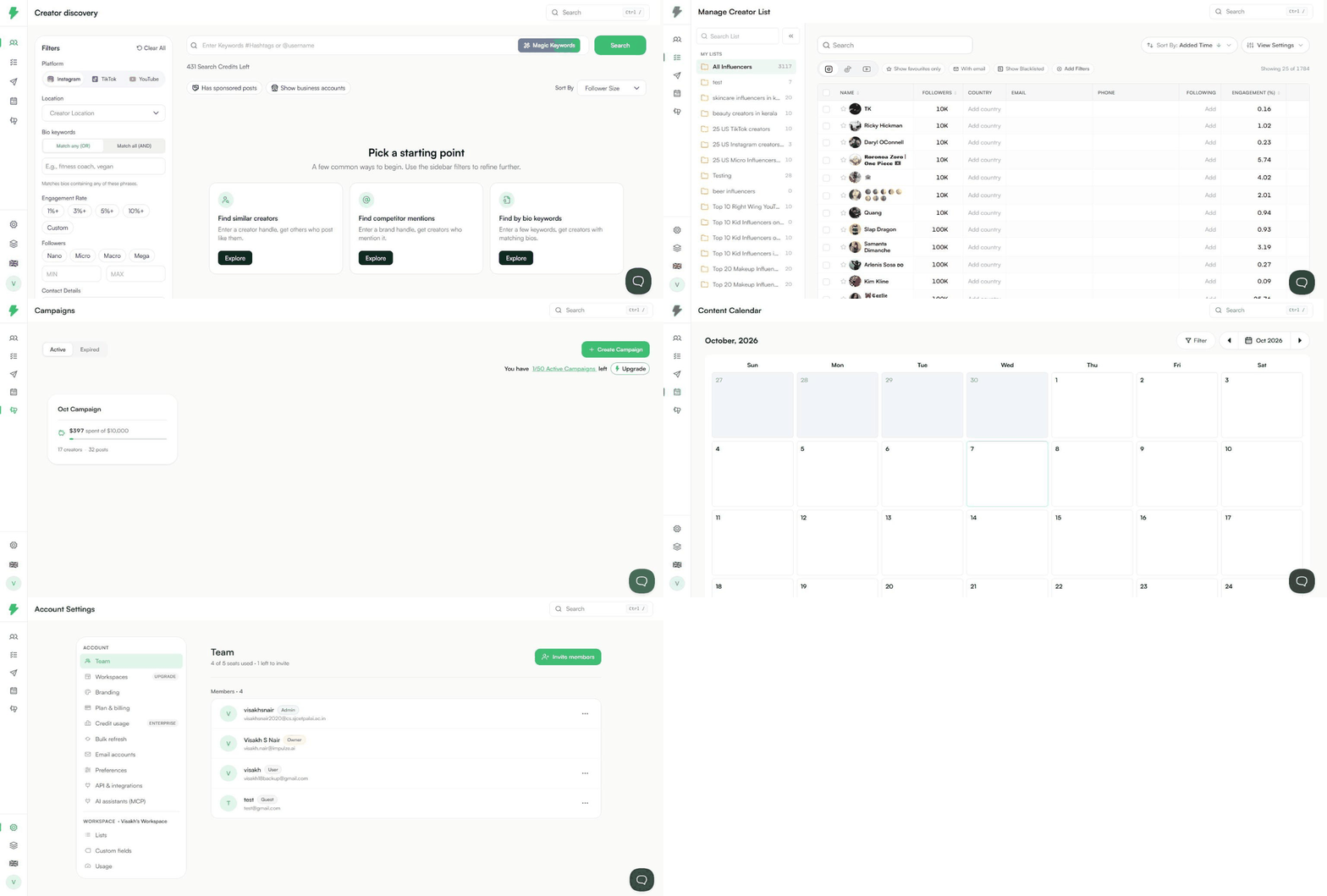
New here? This is a two-minute tour of the app. Everything lives in the menu on the left.
Discover
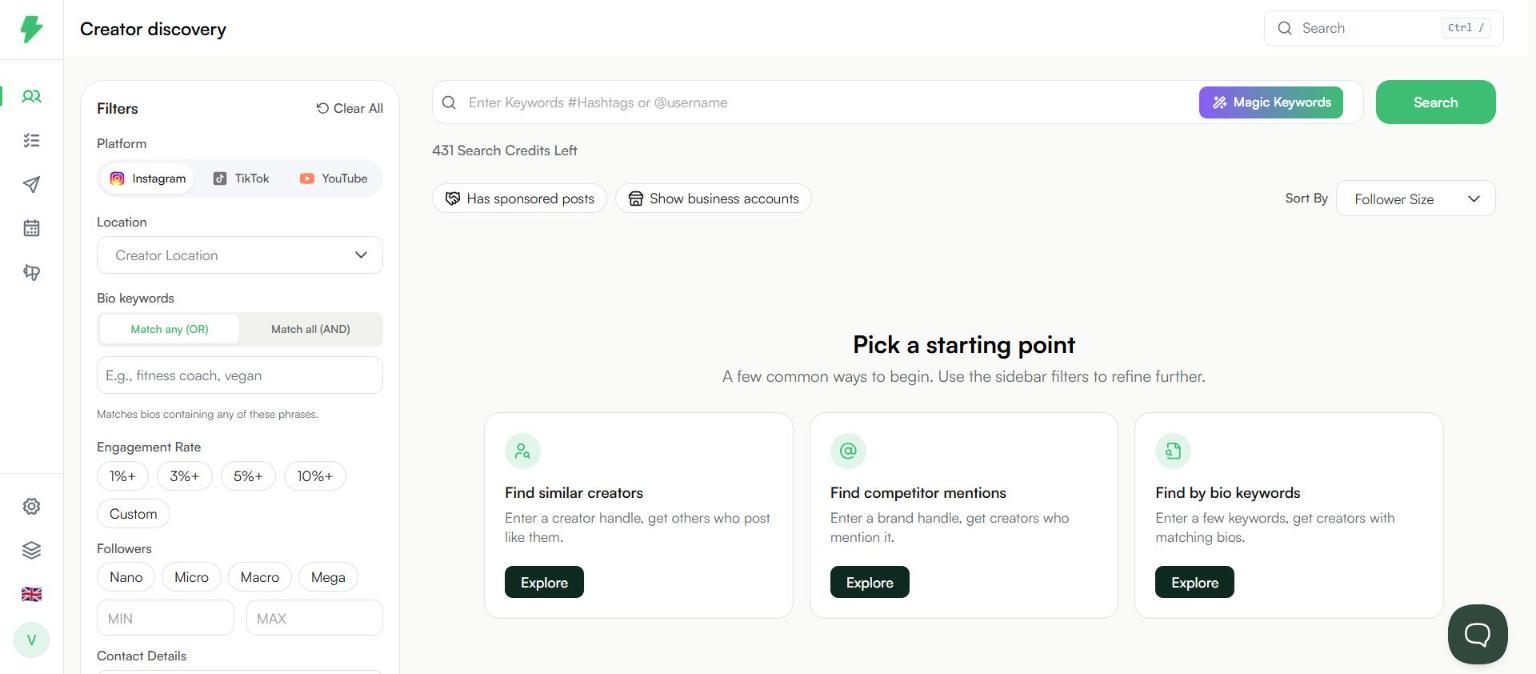
Where you find creators. Search Instagram, TikTok, and YouTube, then narrow the results with filters.
My List
Every creator you save lands here. Organise them into lists, add notes and custom fields, and export them.

Campaign
Group the creators you are working with, their posts, and your spend in one place. Track progress and measure results.

Calendar
A monthly view of your content. Filter it by creator, list, or campaign.
Settings
The gear icon at the bottom of the menu. Manage your team, workspaces, branding, plan, API key, AI assistants, lists, and custom fields.

Other things worth knowing
- Search at the top right jumps to any page. Press Ctrl + / to open it.
- The flag icon at the bottom of the menu changes the language.
- The chat bubble at the bottom right opens support.
A typical workflow
- Find creators in Discover.
- Save the ones you like to a list.
- Check them with a creator analytics report.
- Add them to a campaign and track their stage.
- Add their posts and measure performance.
- Share the report with your client or team.