How to search creators by bio keywords
Bio keywords match words in a creator's profile bio. Use them to find creators who describe themselves a certain way, like "fitness coach" or "vegan".
Option 1: Start from Creator discovery
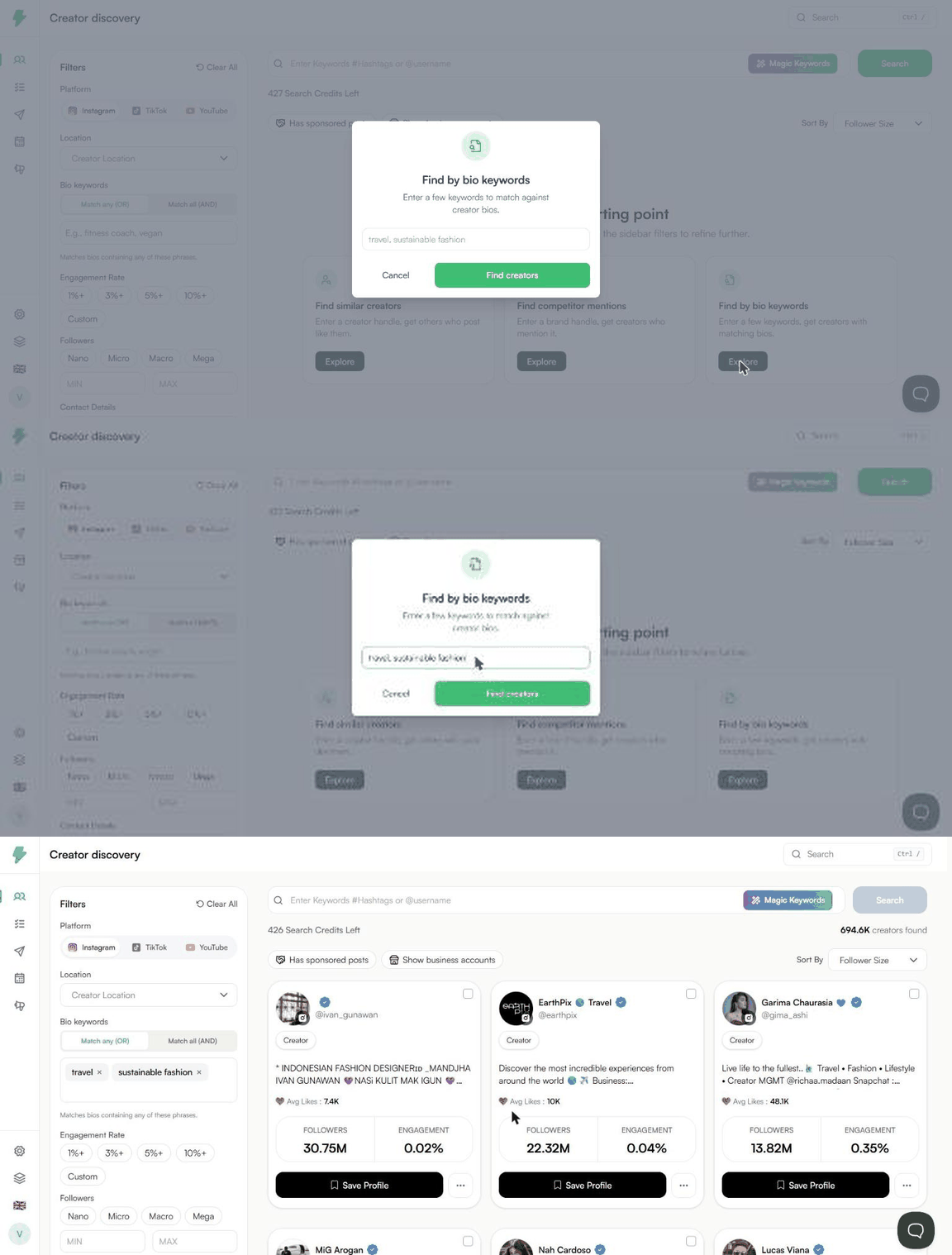
- Open Discover from the left menu.
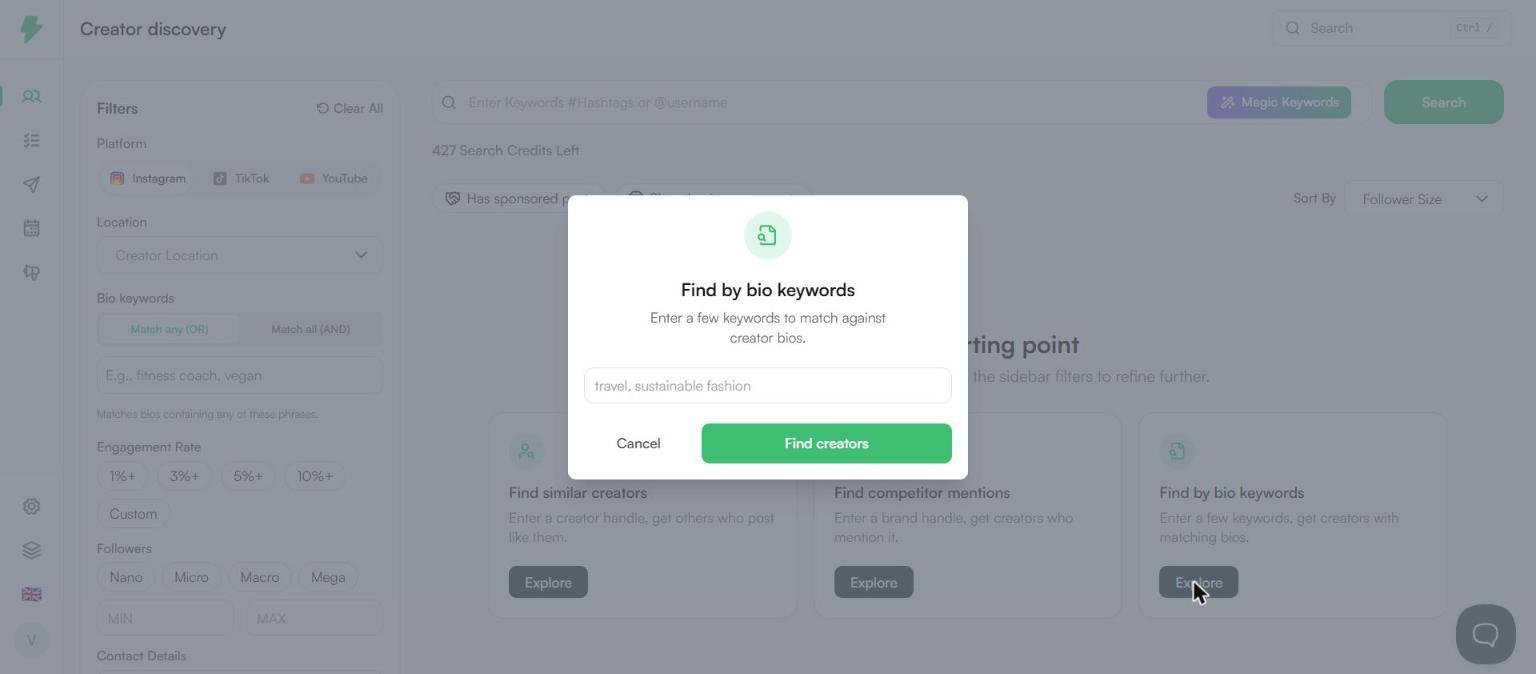
- Under Pick a starting point, click Explore on Find by bio keywords.
- Enter a few keywords, separated by commas. For example: travel, sustainable fashion.
- Click Find creators.
Option 2: Use the Bio keywords filter
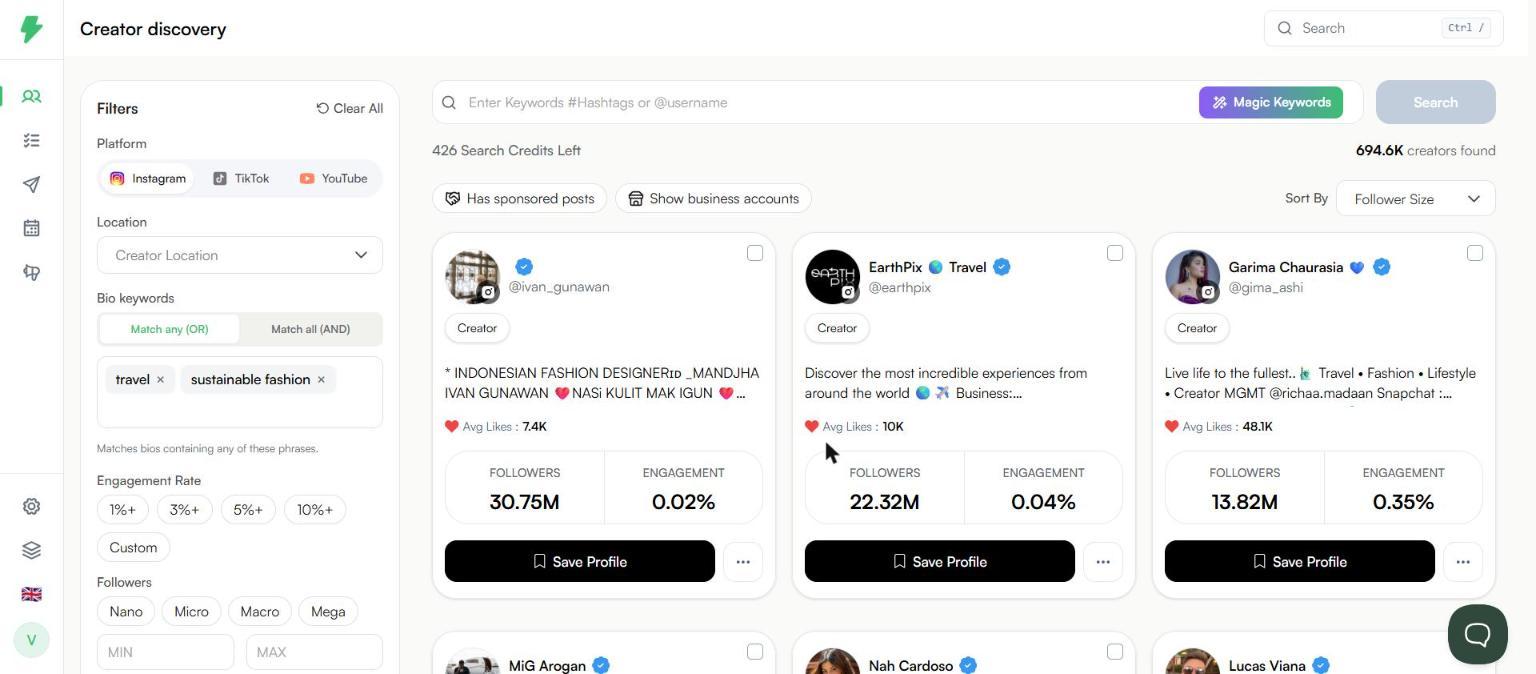
- In the Filters panel, find Bio keywords.
- Type a keyword and press Enter. Add as many as you need.
- Pick how they should match.
- Click Search.
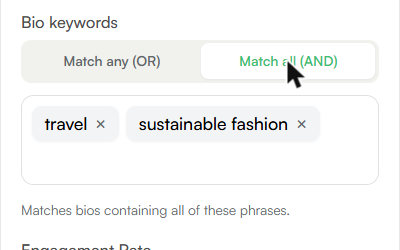
Match any vs Match all
- Match any (OR): the bio contains at least one of your phrases. More results.
- Match all (AND): the bio contains every phrase. Fewer, tighter results.
Note: A search that returns results uses one search credit. Your remaining credits show under the search bar.