How to filter creators by contact availability
The Contact Details filter limits your search to creators who have a specific kind of contact information on file. Use it to find creators you can reach by email, phone, or a social platform.
Step 1. Open Creator discovery. In the Filters panel on the left, scroll to Contact Details. (For an overview of every filter, see How to use Creator filters.)
Step 2. Click the dropdown and pick a contact type. EMAIL and PHONE are at the top. The full list is: Email, Phone, BBM, Facebook, Instagram, iTunes, Kakao, Kik, Line ID, Linktree, Pinterest, Sarahah, Sayat, Skype, Snapchat, Telegram, TikTok, Tumblr, Twitch, Twitter, Viber, VK, WeChat, Weibo, WhatsApp, and YouTube.
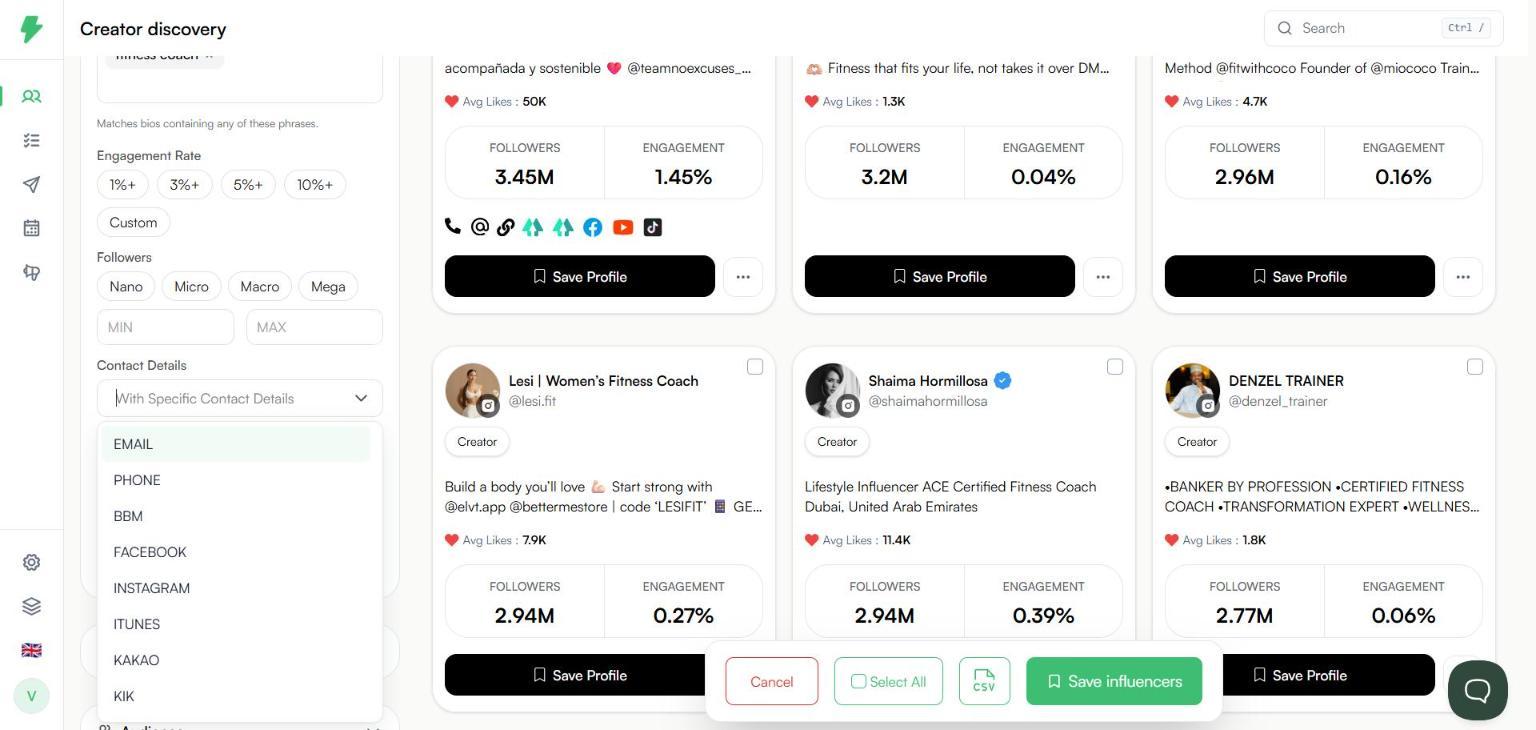
Step 3. The type you picked shows as a chip in the filter. You can add more than one type. Click the x on a chip to remove it.
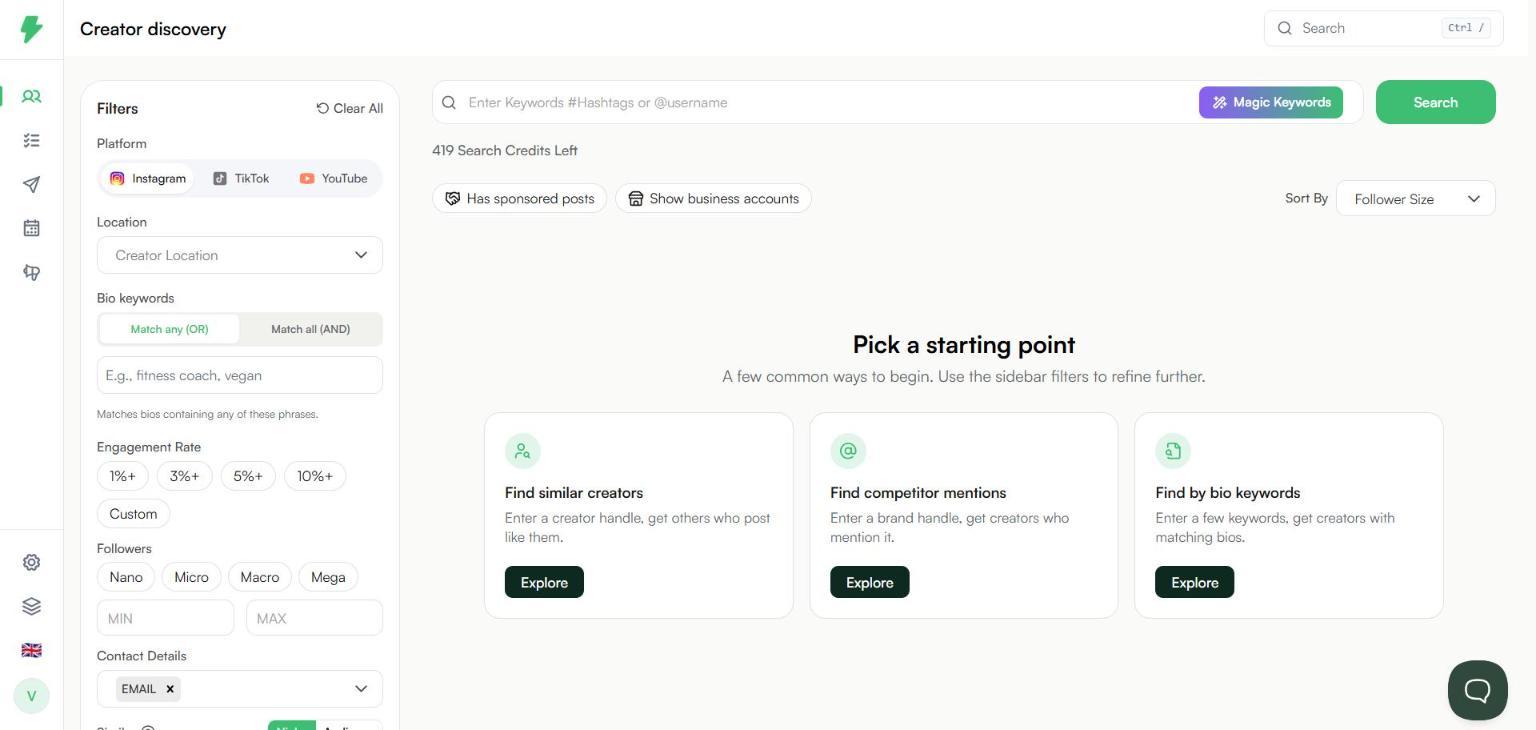
Step 4. Add any other filters you need, such as location, followers, and engagement rate, then click Search. Results only include creators who have the contact types you picked.
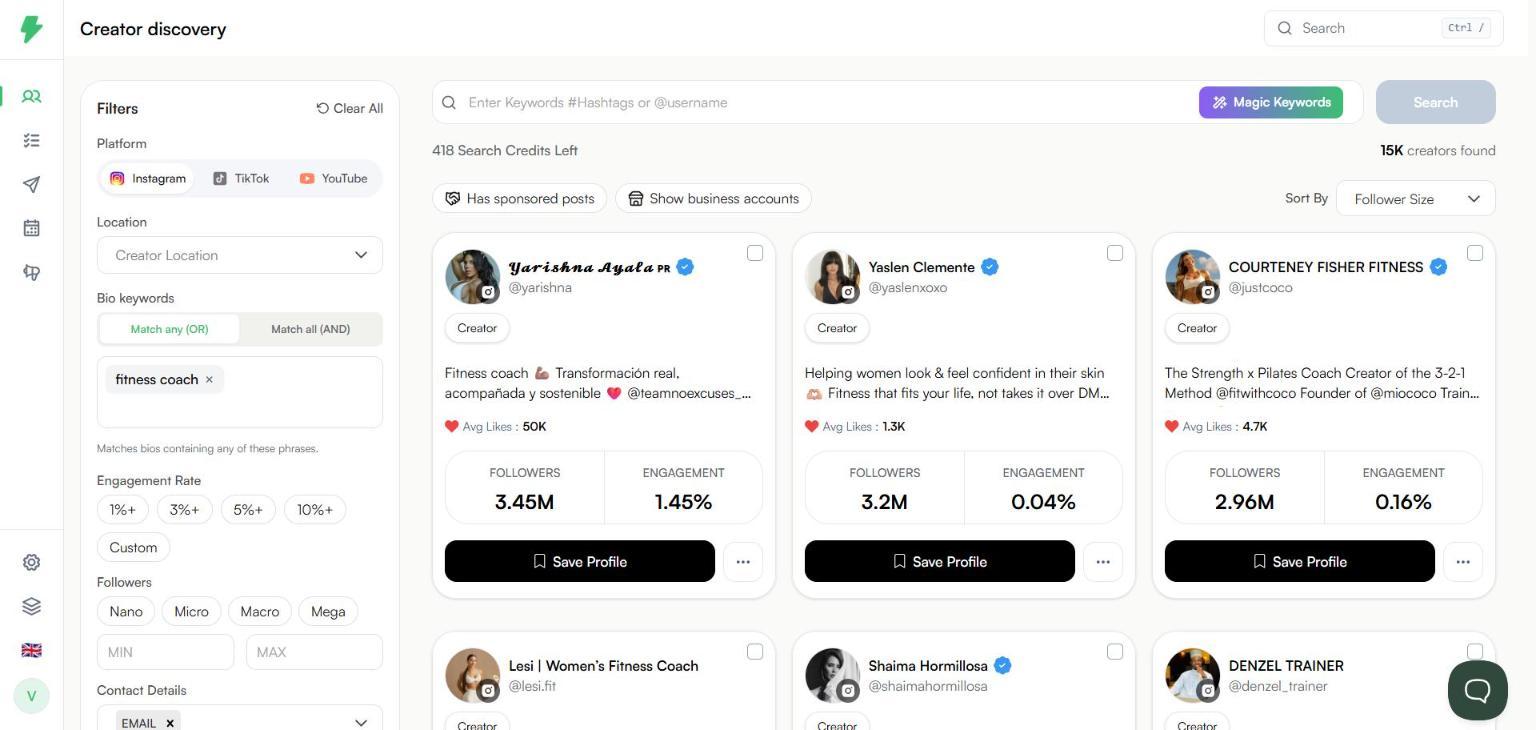
What happens next
The filter tells you a creator has an email or phone on file. It does not show the details. To see them, unlock the creator's contact details. See How to find a creator's email address.
To download the filtered creators, see How to export search results as a CSV. Each search that returns results uses one search credit. See How credits work.