How to export search results as a CSV
You can export creators from your search results to a CSV file. Each exported creator costs one search results export credit. See How credits work.
Step 1. Run a search in Creator discovery. Use any filters you like. New to search? Start with How to run your first creator search and How to use Creator filters.
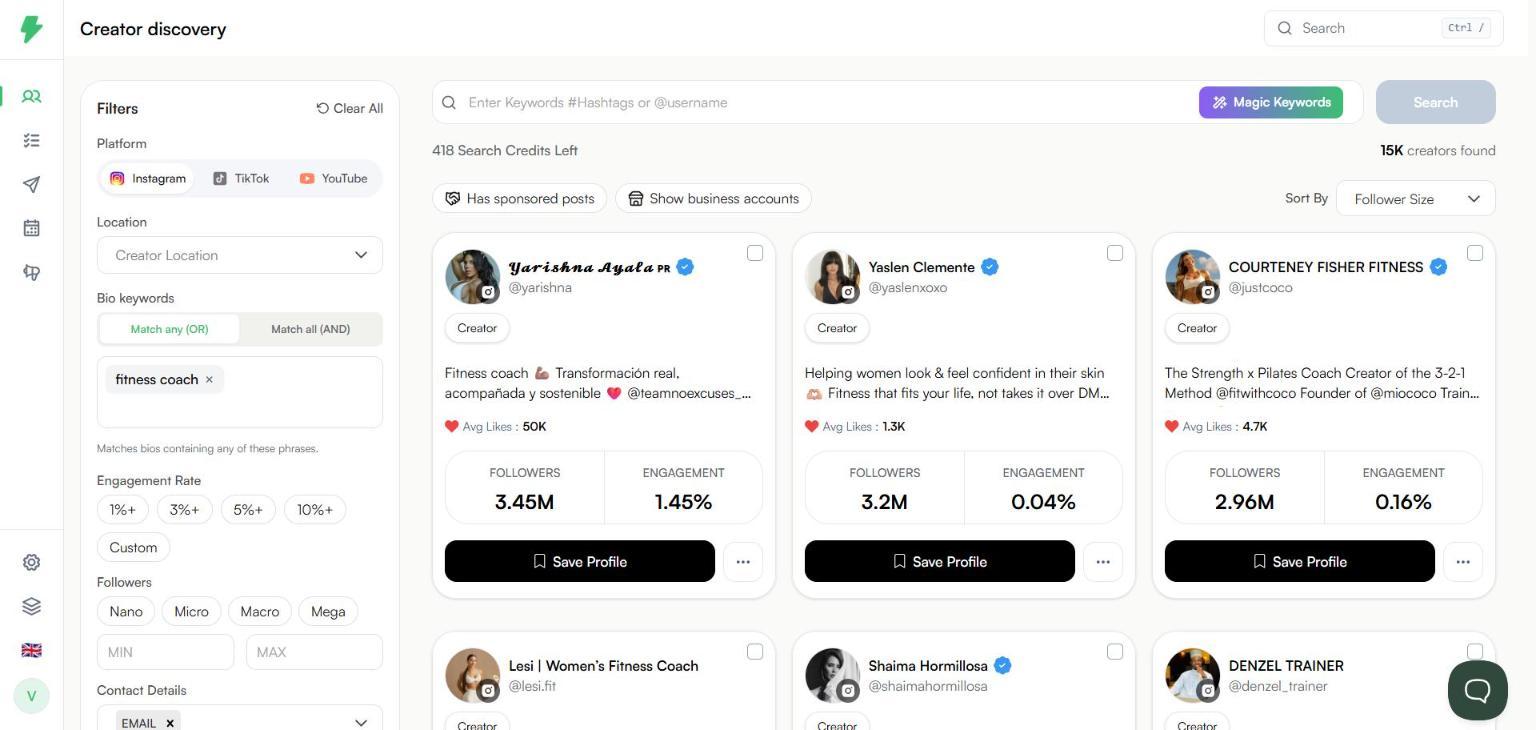
Step 2. Tick the checkbox in the top right corner of a creator card. A bar appears at the bottom of the page with Cancel, Select All, CSV, and Save influencers. (Save influencers adds the selected creators to a list instead. See How to save creators from search to a list.)
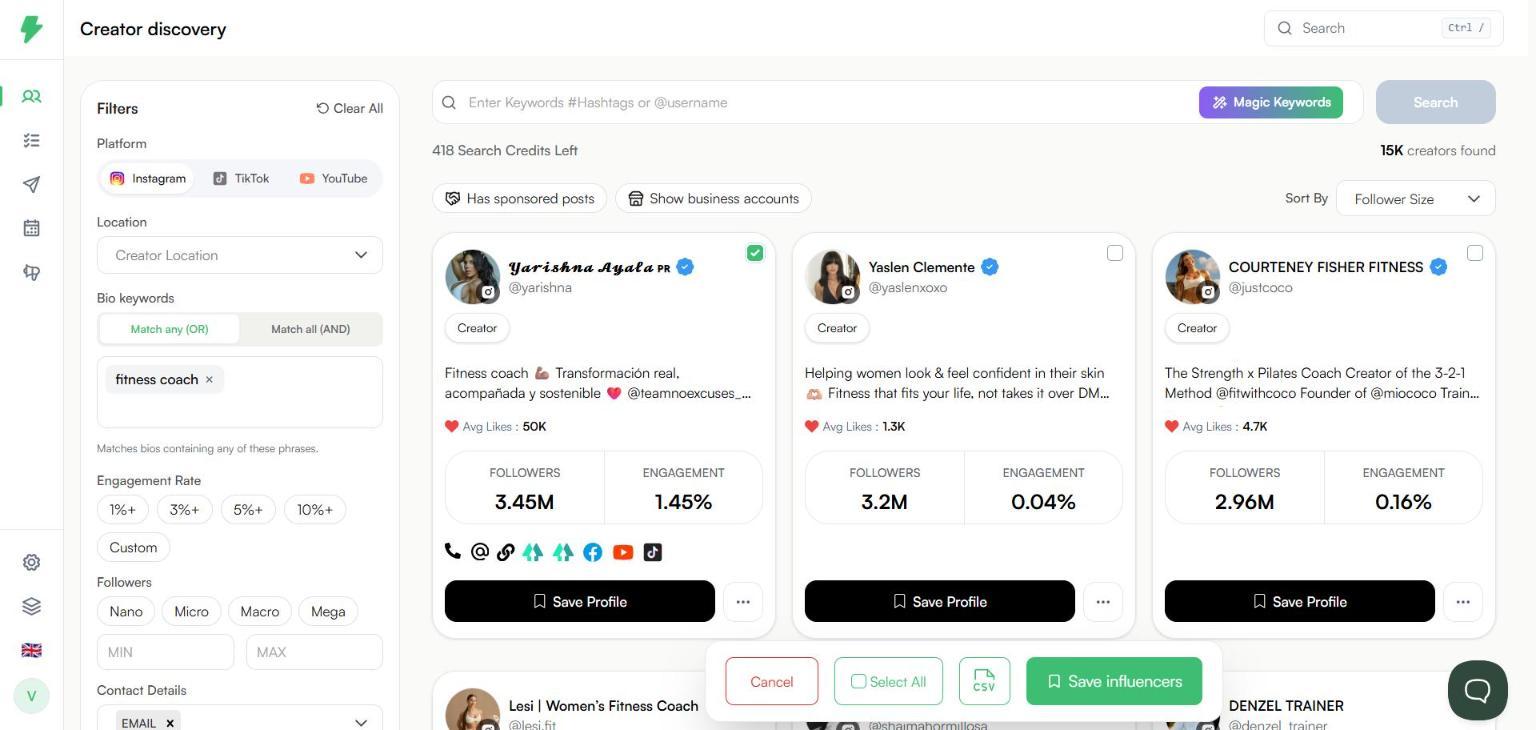
Step 3. Tick more cards, or click Select All to pick every creator on the current page.
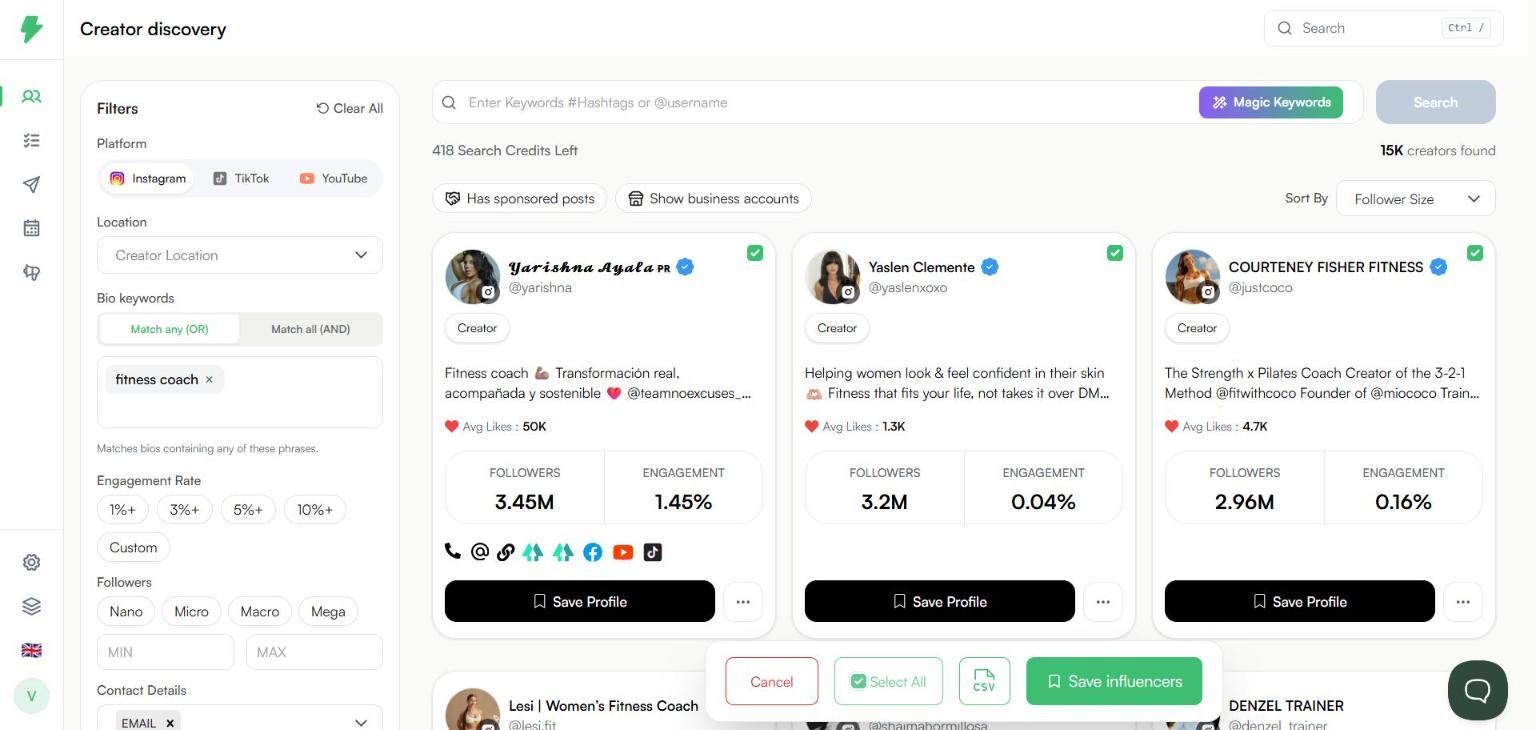
Step 4. Click the CSV button. A dialog shows how many export credits the download will use. It is one credit per selected creator.

Step 5. Click Yes. The CSV file downloads to your computer.
Tips
Select All only picks the creators on the page you are looking at. Scroll down and select more if you need them.
Click No in the dialog if the credit count is higher than you expected. Then untick creators and try again.
Click Cancel in the bottom bar to clear your selection.
Contact details only appear in the export for creators you have unlocked. See How to find a creator's email address. To export only creators who have an email on file, use the Contact Details filter first. See How to filter creators by contact availability.